
A pose guide for everyday photo takers
Feel good in every photo.
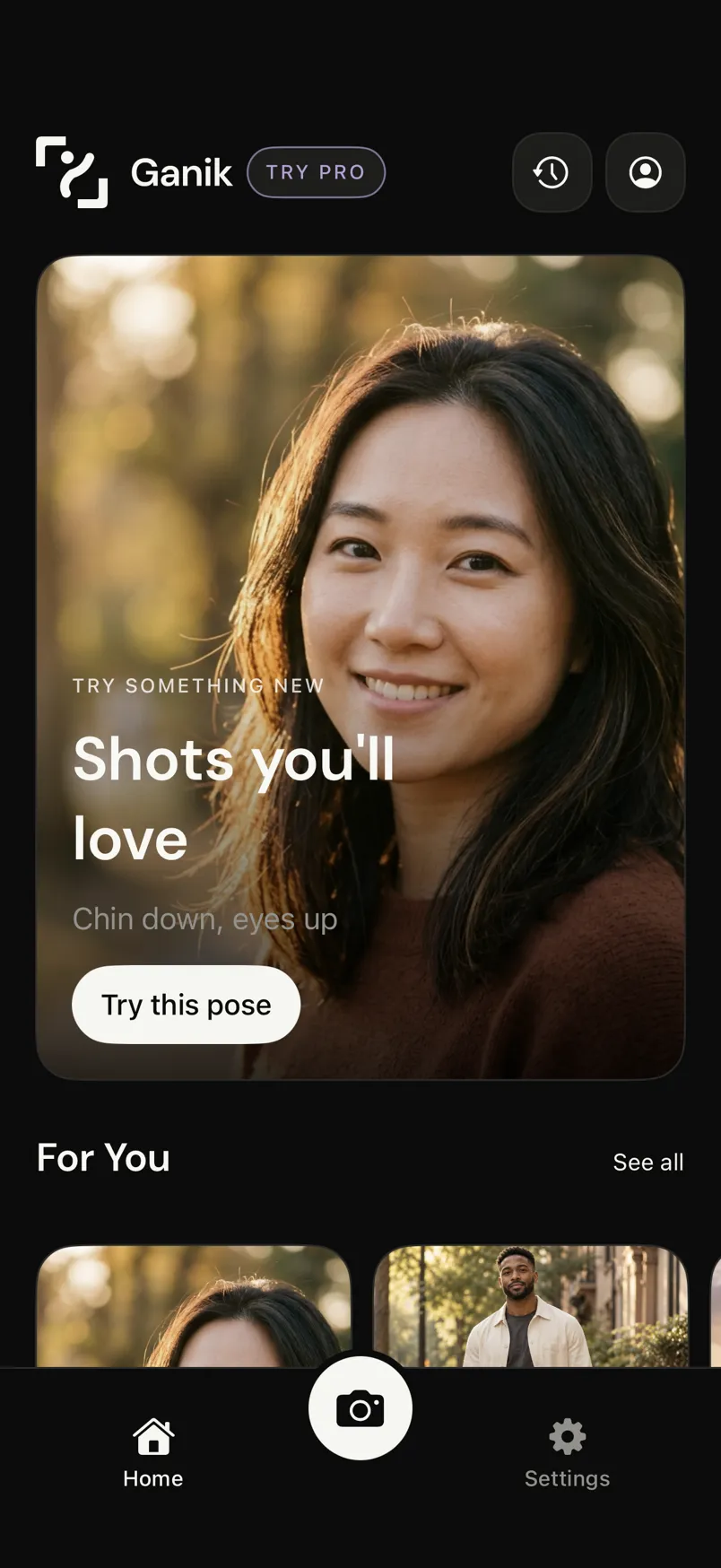
Find your pose. Get simple guidance. Make the moment yours. Ganik gives you pose ideas and a few clear cues, so you know what to try in front of the camera.
Coming soon for iPhone
Explore the guide

How it works
Three small steps to a photo you like.
Find your pose
Browse pose ideas for selfies, outfits, travel, friends, and more, ordered around what you like to shoot.
Follow simple guidance
Each pose comes with a few clear cues: where to hold the phone, how to stand, and where to look.
Make it yours
Try a variation, like a closer crop, a lower angle, or a different expression, and save the ideas you like.
Interactive guide
A little direction. A lot more you.
This is a sample of a Ganik pose guide. Turn on the outline to see the shape of the pose, then read the cues that go with it.

 Sample preview
Grounded stance
Relaxed shoulders, steady posture
- Phone
- Hold the phone at chest height, a few steps back.
- Body
- Feet shoulder-width apart, one foot slightly forward. Relax your shoulders and rest one hand in your pocket.
- Head
- Keep your chin level and your neck relaxed.
- Eyes
- Look toward the lens.
- Expression
- Easy confidence, with a relaxed jaw.
- Lighting
- Let soft side light catch your face.
Photo inspiration
Ideas for the photos you actually take.

Selfies
Chin down, eyes up

Outfits
Walking shot

Travel
Over the shoulder
FAQ
Good questions.
Is Ganik good for beginners?
Yes. Ganik is made for everyday photo takers, not models. You don’t need to know how to pose: Ganik takes it one simple step at a time.
How do pose guides help?
Each pose pairs a reference photo with an outline of the pose and short cues for your phone position, body, head, eyes, expression, and light. You can follow them one at a time, then try a variation once the pose feels natural.
Can I save pose ideas?
Yes. Tap the bookmark on any pose to save it. Saved poses have their own filter in the pose library and appear on your home screen.
When can I get Ganik?
Ganik is coming soon for iPhone. Until then, you can try the sample pose guide on this page.